
TOP 10 best services for holding online events
See how you can create your virtual event with powerful video content and attendee engagement. Let's evaluate what resources we can use to work with digital audiences.
Coronavirus and subsequent self-isolation, a ban on mass (and then any other) events forced organizers to look for alternatives to the usual online events. What besides the wonderful broadcast in Youtube Can organizers use the general chat?
Let's look at the TOP 10 most popular services that will help organize an online event, attract guests and integrate your platforms.
Webinar and video conferencing tools
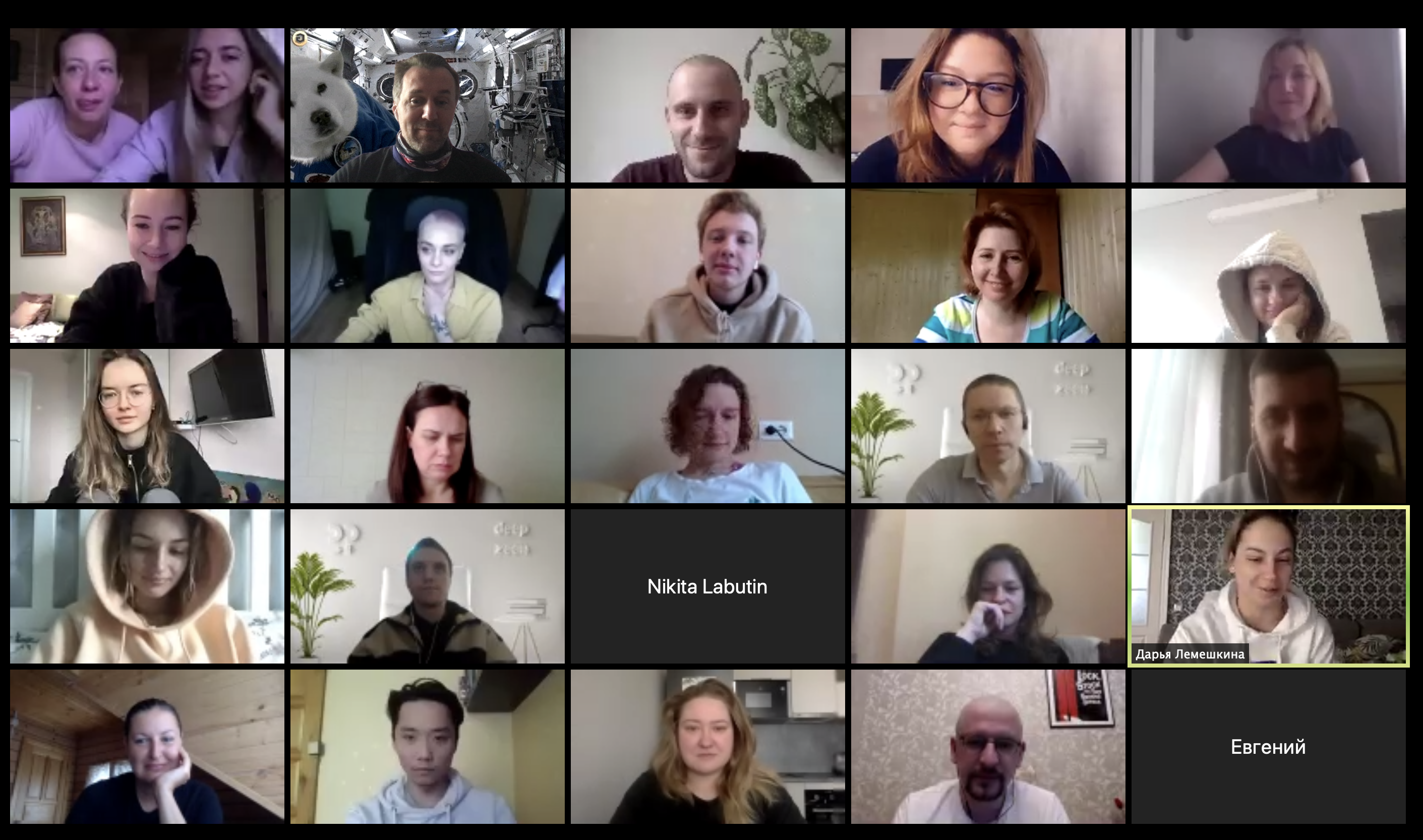
1. Zoom
The American company took off on the wave of global self-isolation. You can host meetings, video conferences, brainstorms, whatever you want on Zoom. There is an HD video stream, chat, screen sharing, the ability to mute selected users, and conference recording. You can use the application on your smartphone or computer. The cloud platform allows you to hold meetings in virtual rooms with up to 1000 video participants.
It is possible to create a password-protected meeting and add it to the calendar. Free conferences up to 40 minutes. Some functions are only for paid accounts.
Since there are questions about the confidentiality of Zoom events, government agencies do not use them;
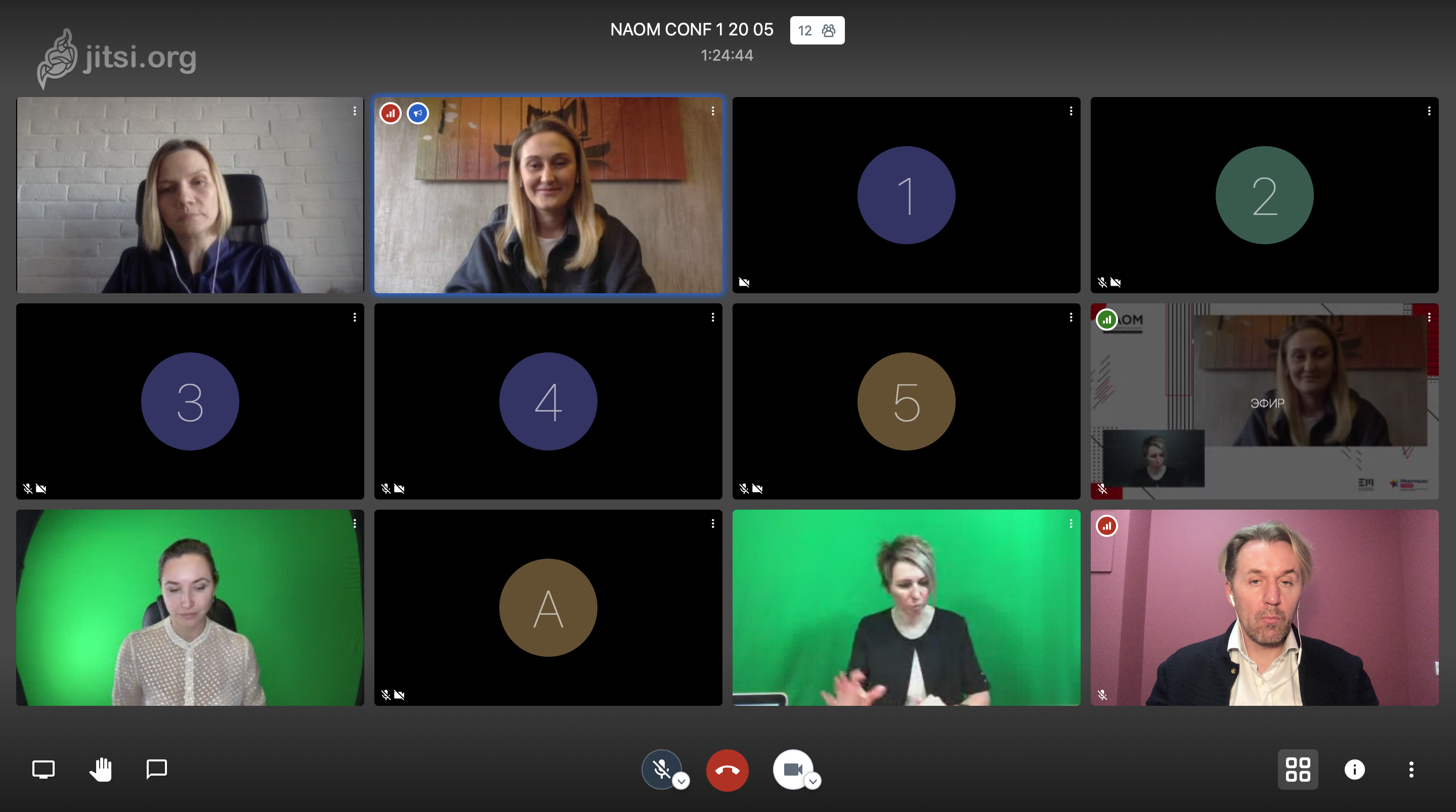
2. Jitsi
The French service allows you to hold a video conference and immediately broadcast it to Youtube or external resources. There is a chat, screen recording, and the ability to organize speaker windows. The picture quality and speed are excellent. There is an application and a web version, very convenient.
4. Google Hangouts
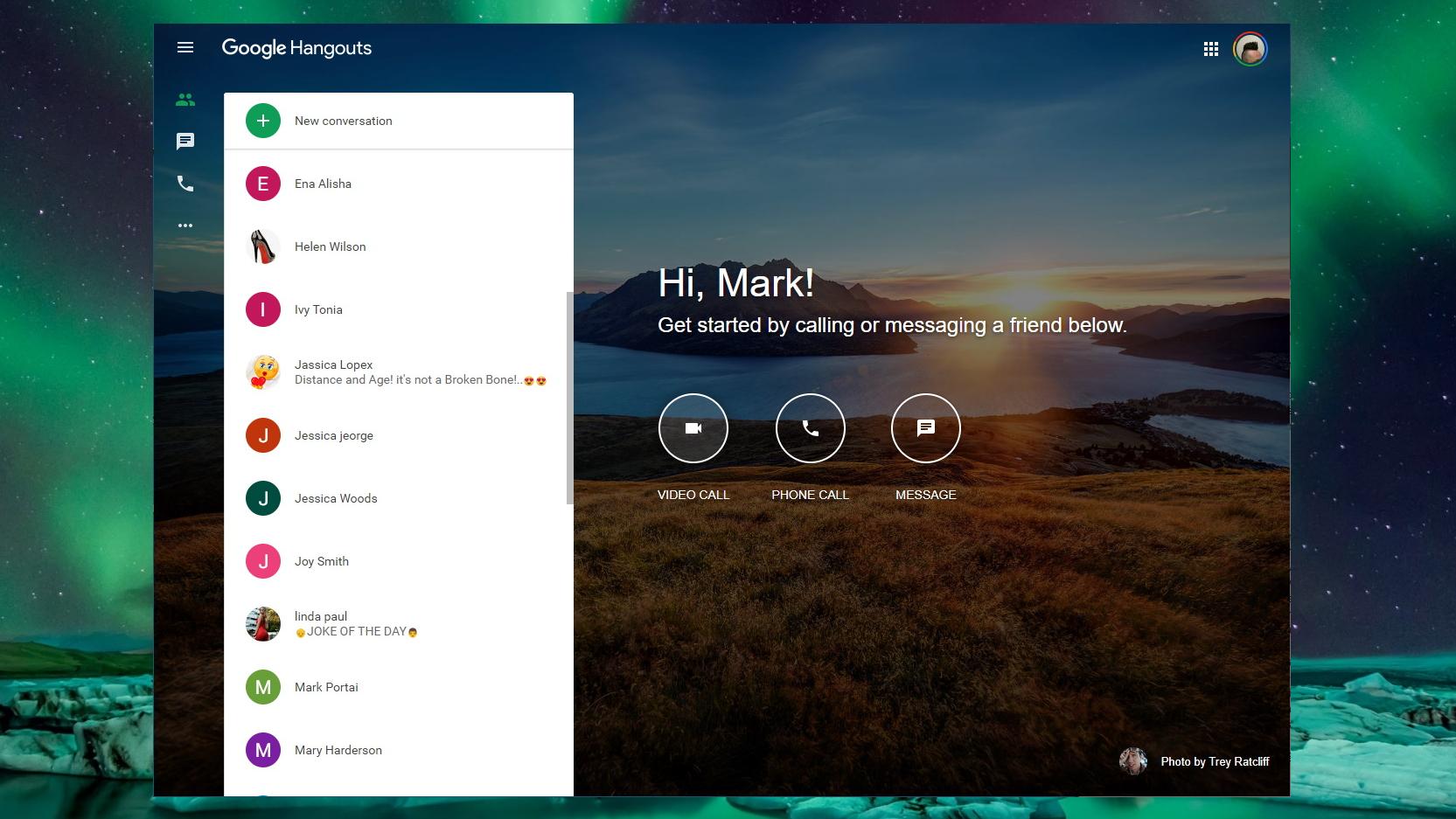
A convenient tool for collaboration and a suitable option for a small, internal event. Google Hangouts brings together speakers, guests and hosts, offering messages, group chats, videos and emoji.
5. Microsoft Teams
Besides the usual Skype for Business Microsoft has various solutions for event organizers. Microsoft Teams allows you to arrange chat, video conferences, and joint editing of documents - texts, tables, presentations. In general, it is a suitable solution for collaboration, not just communication.

6. Dicord
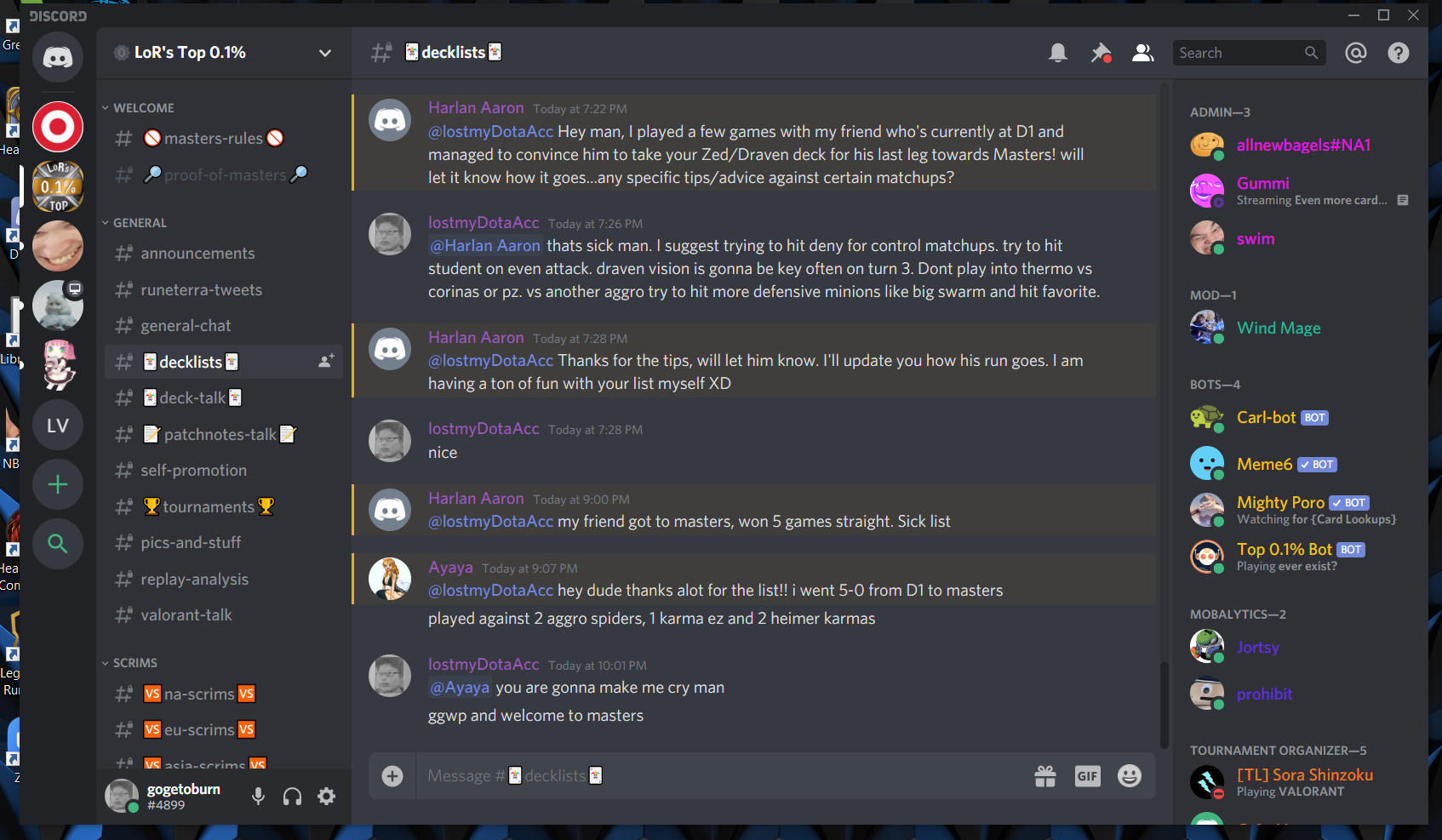
Discord's main feature is screen sharing and multi-user voice chat.
This is convenient for demonstrating products, when the presenter shows the functionality of a website or software, while giving comments and answering questions. There is also a text hour, of course. Convenient for learning and... ideal for playing games. Video chat is not really needed here, but all other features are excellent. There is a Russian-language interface and a large community of users.
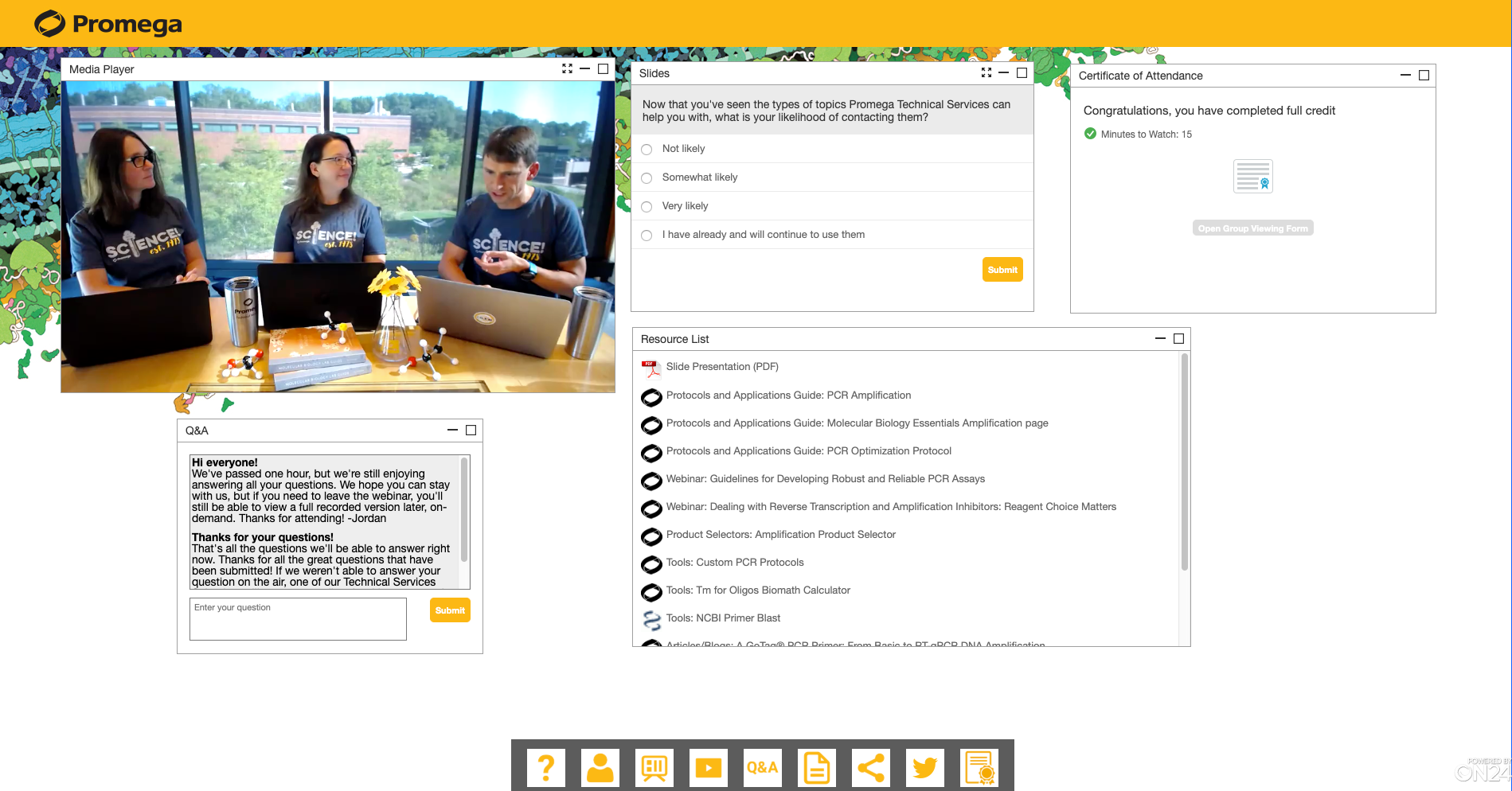
7. On24
Digital first events are the new normal - golden words. The English-language (!) service On24 is a comprehensive webinar platform that allows event organizers to create personalized digital experiences in real time for virtual event participants. Lots of analytical tools to understand audience behavior.
8. GoToWebinar
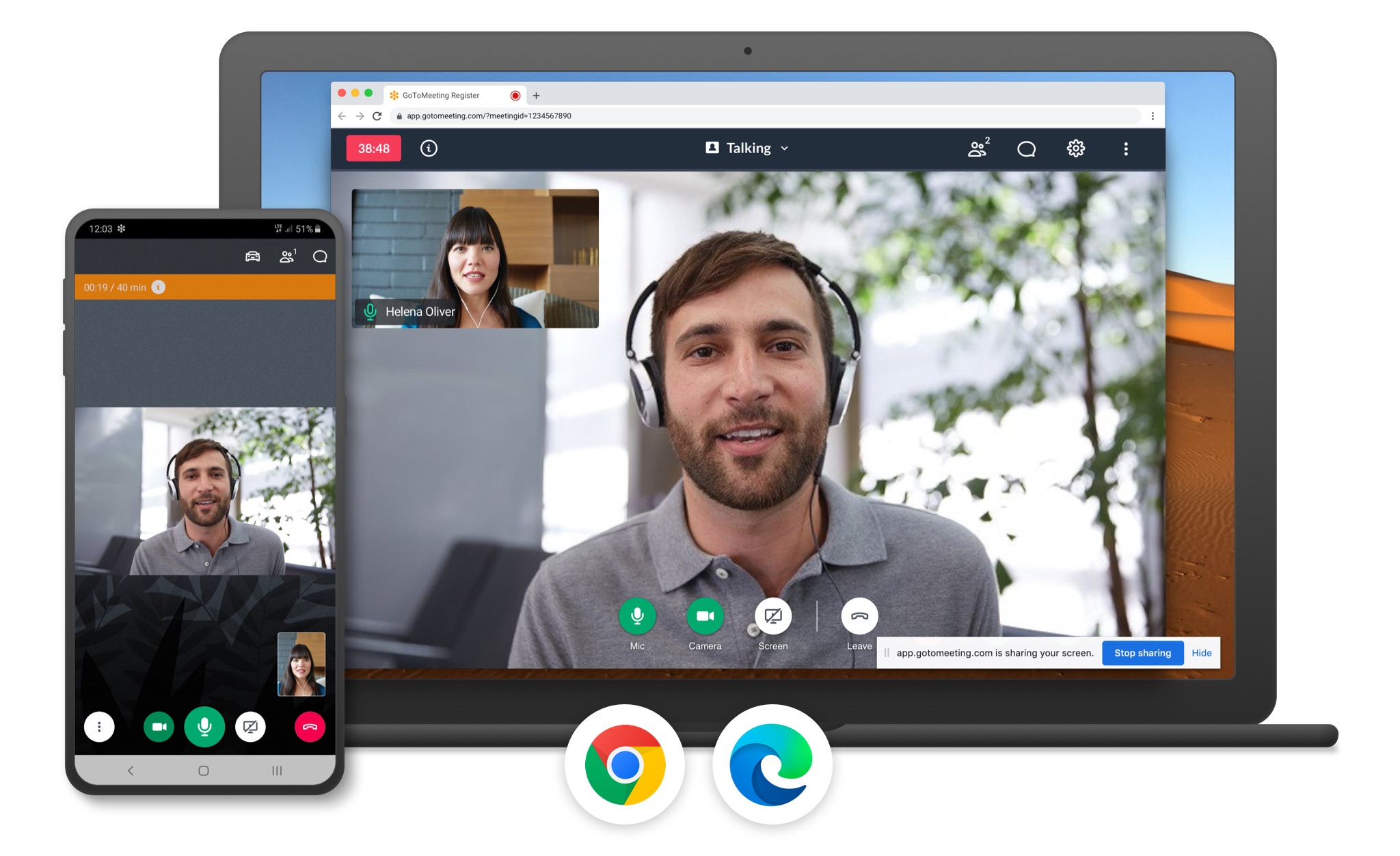
GoToWebinar is one of the most popular platforms for those who want to participate in online seminars. Thanks to its simplified design and intuitive user interface, it's quite easy to actively participate in a virtual session using your smartphone. It is also an ideal solution for those presenting or organizing an event, as this package provides a centralized portal for updating deadlines and communicating with participants. Works on iPad.
9. vMix Call
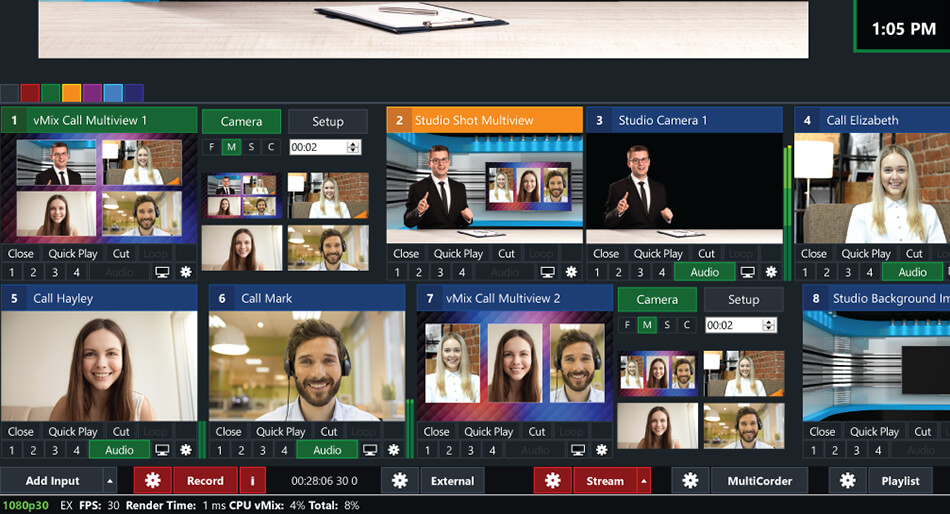
A service for simultaneous video calls and video streaming with a wide range of settings. This is an excellent tool for creating a fast and working video conference that speakers can connect to from any device, computer or smartphone, via Google Chrome and Safari browsers.
10. Livestream
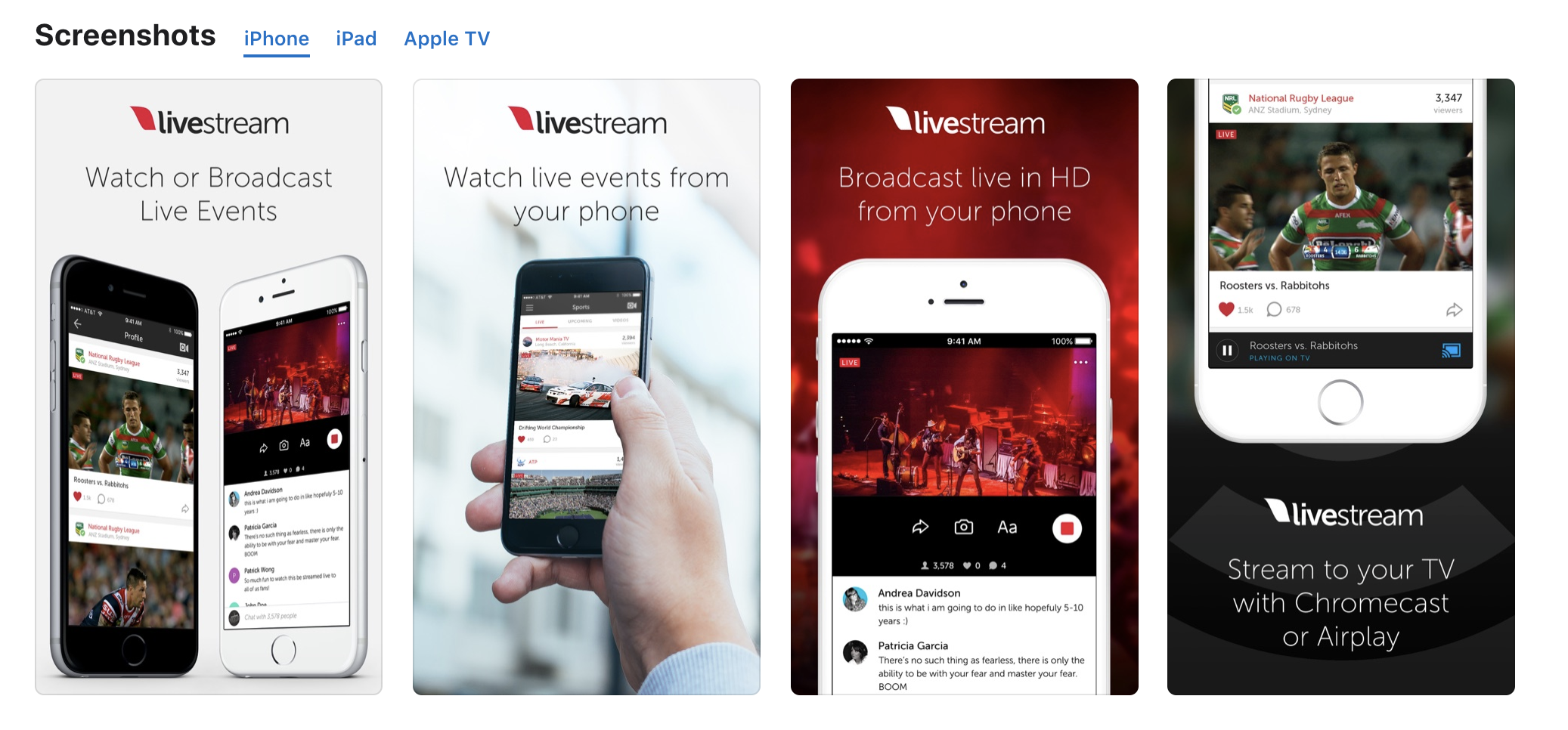
The long-running, well-respected app also allows you to stream your own content live online. You can search for interesting broadcasts all over the world. Friendly with Vimeo. You can set notifications so you don't miss them. Broadcast live from your phone or tablet to viewers watching on Facebook, Twitter, Livestream, etc. There is a built-in chat. TED uses this service.
Conclusions: what tools to use to organize online events
Each tool has its own advantages for different event formats. Accordingly, the pricing policy is different. You can range from free streaming on Youtube to exclusive events on a dedicated online platform like Zeen. However, any instrument requires serious preparation and adaptation of the material and, of course, impeccable technical implementation.